Presented by
Expert
Kit.
Kit.
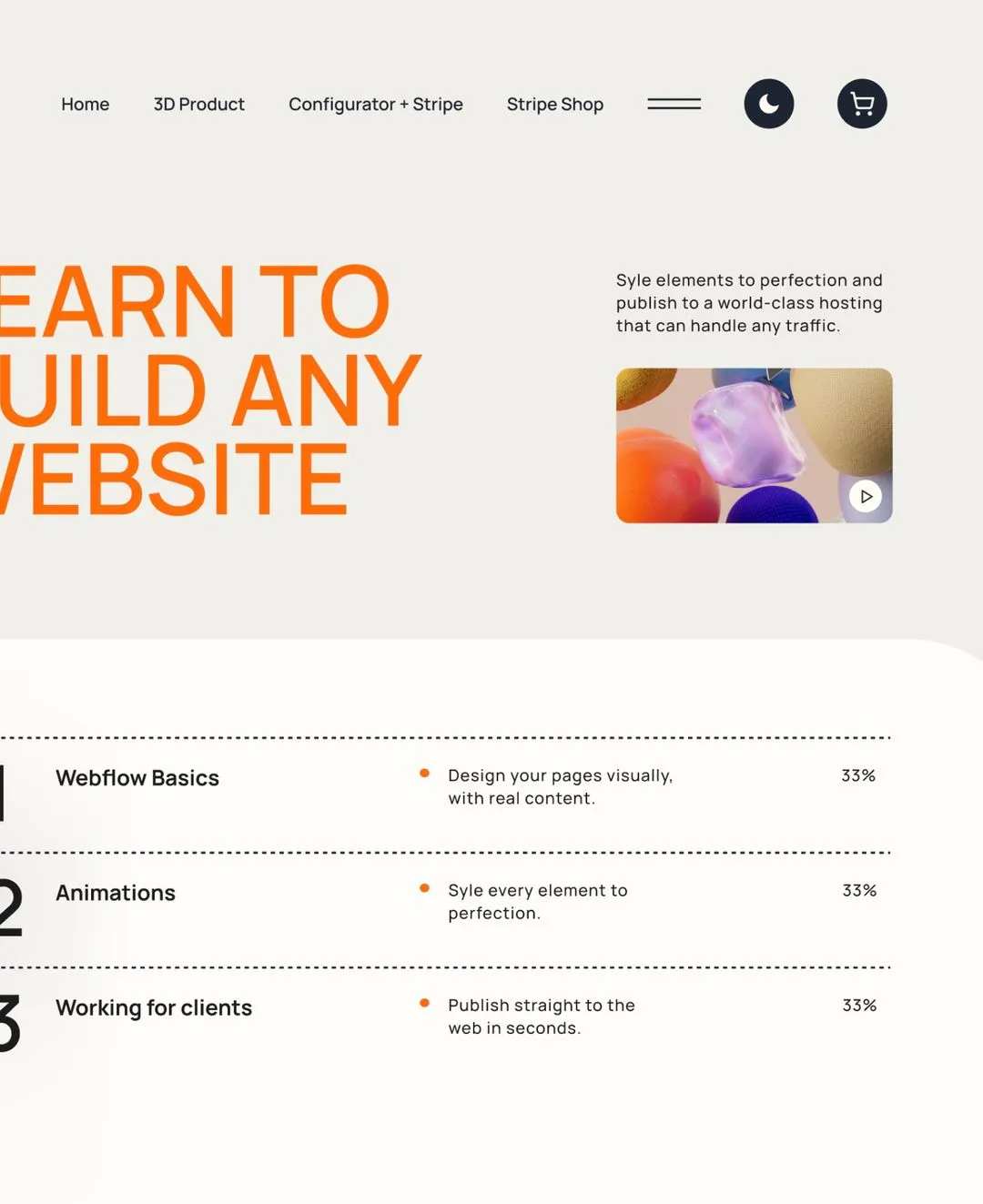





The courses go far beyond learning tools. They focus on how to build Webflow projects properly — not just how to copy techniques.
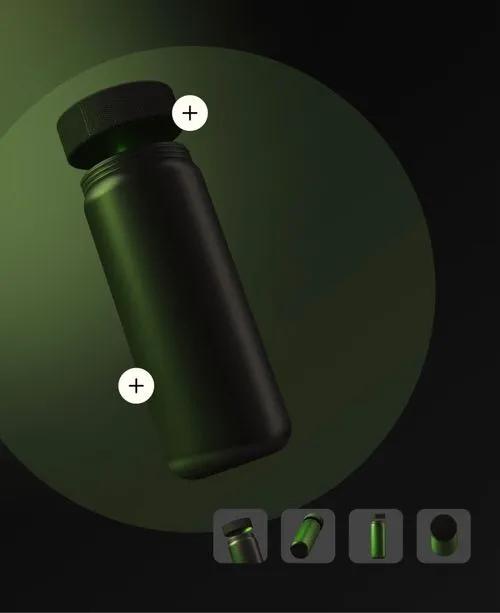
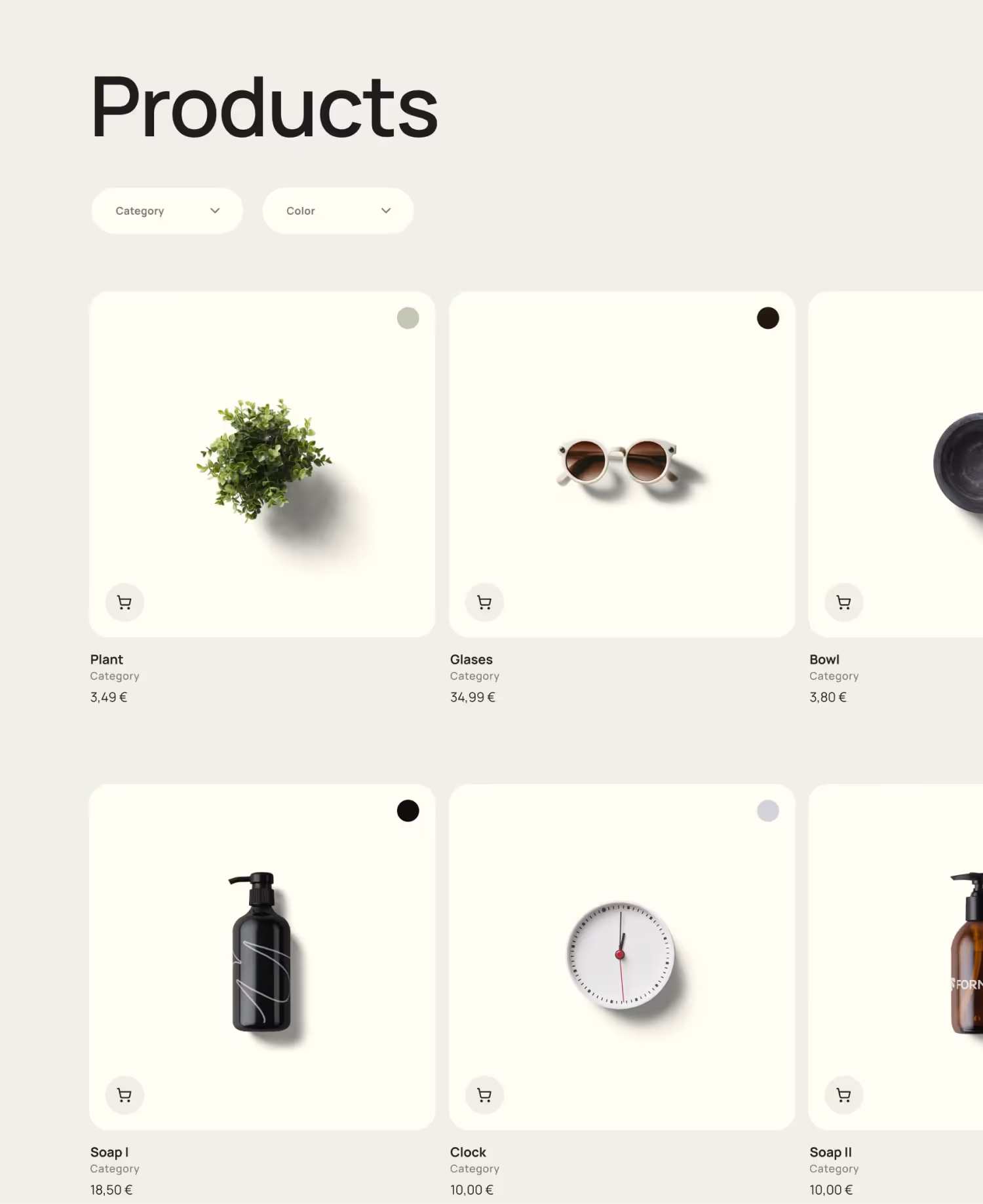
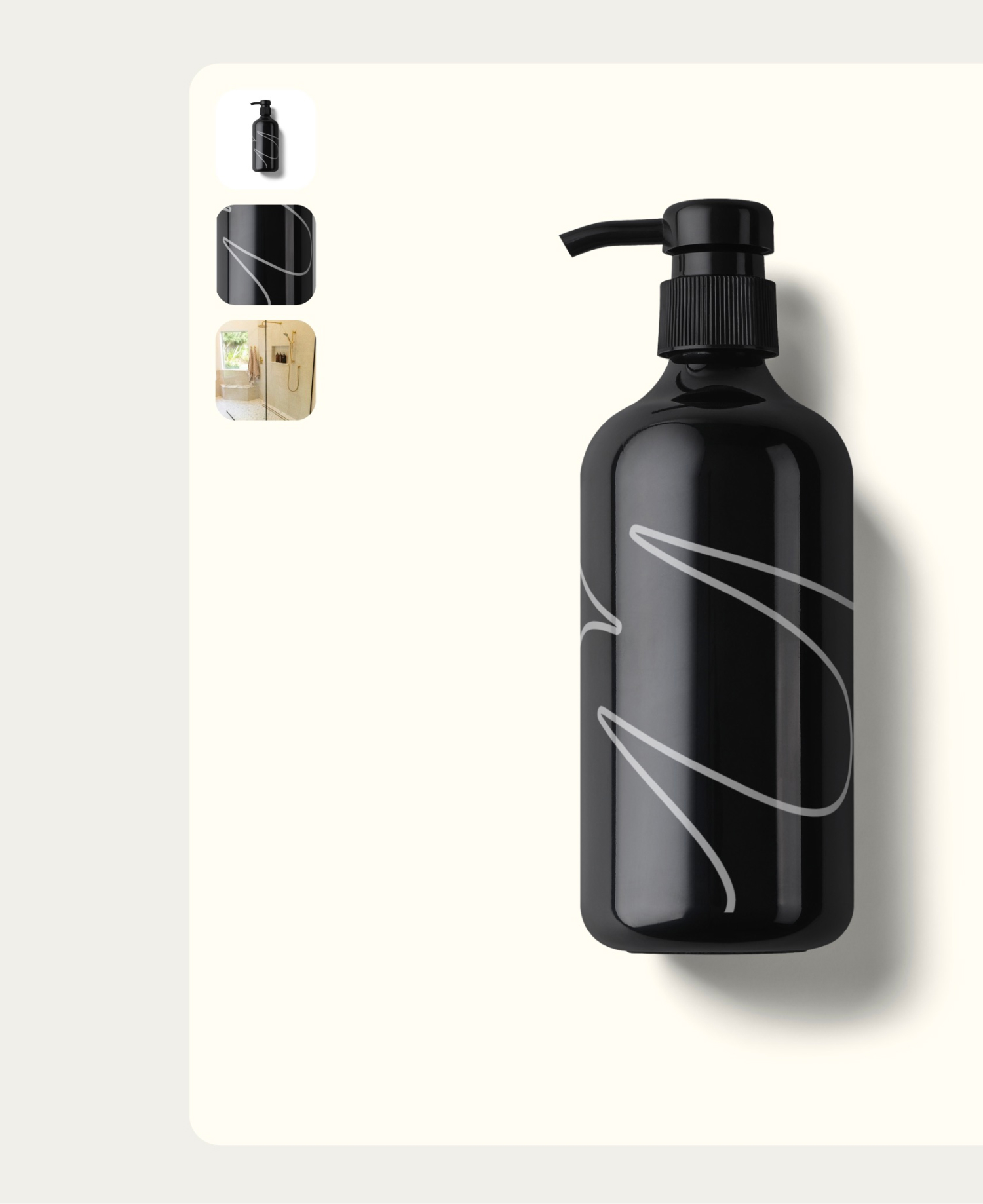
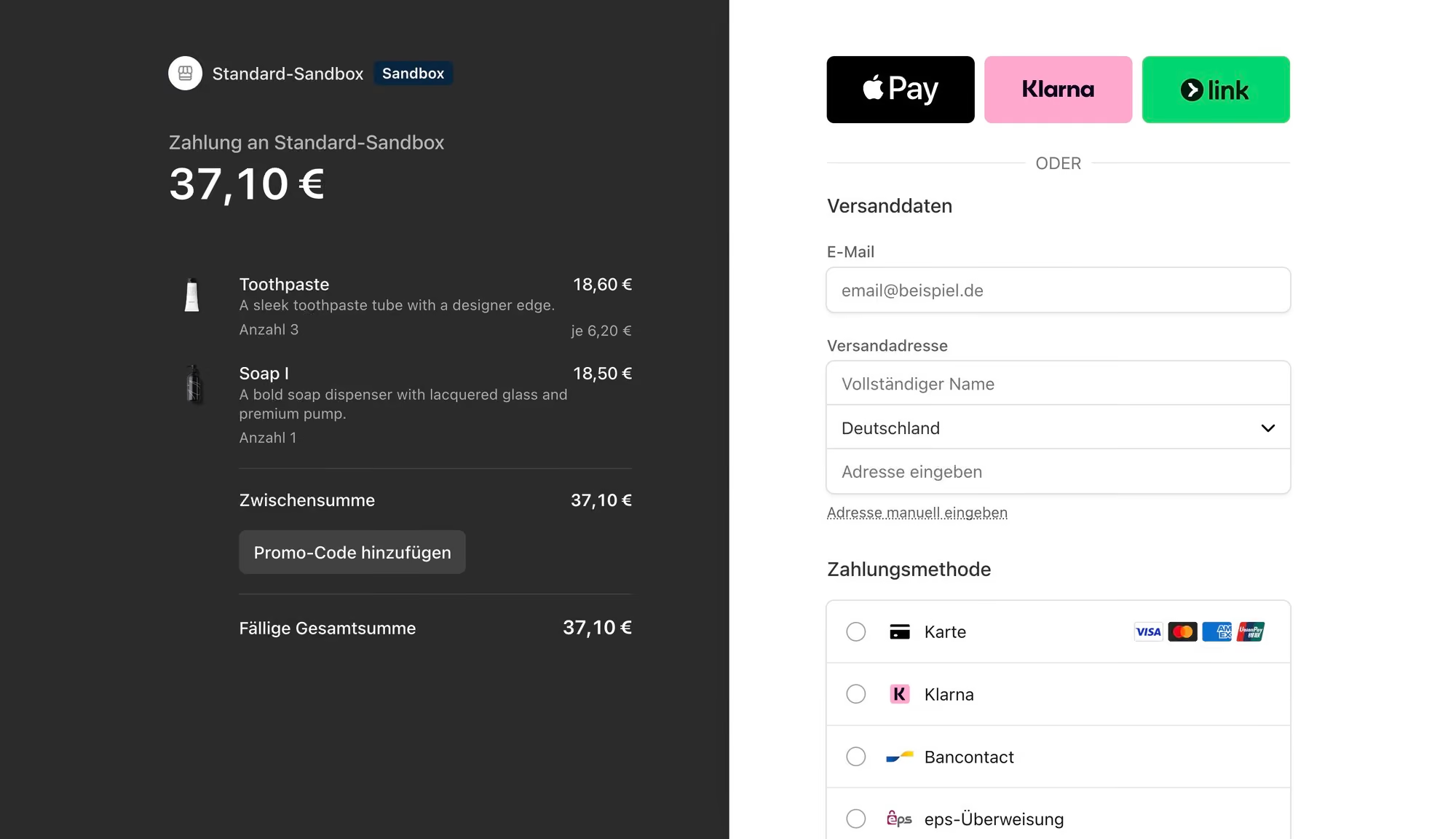
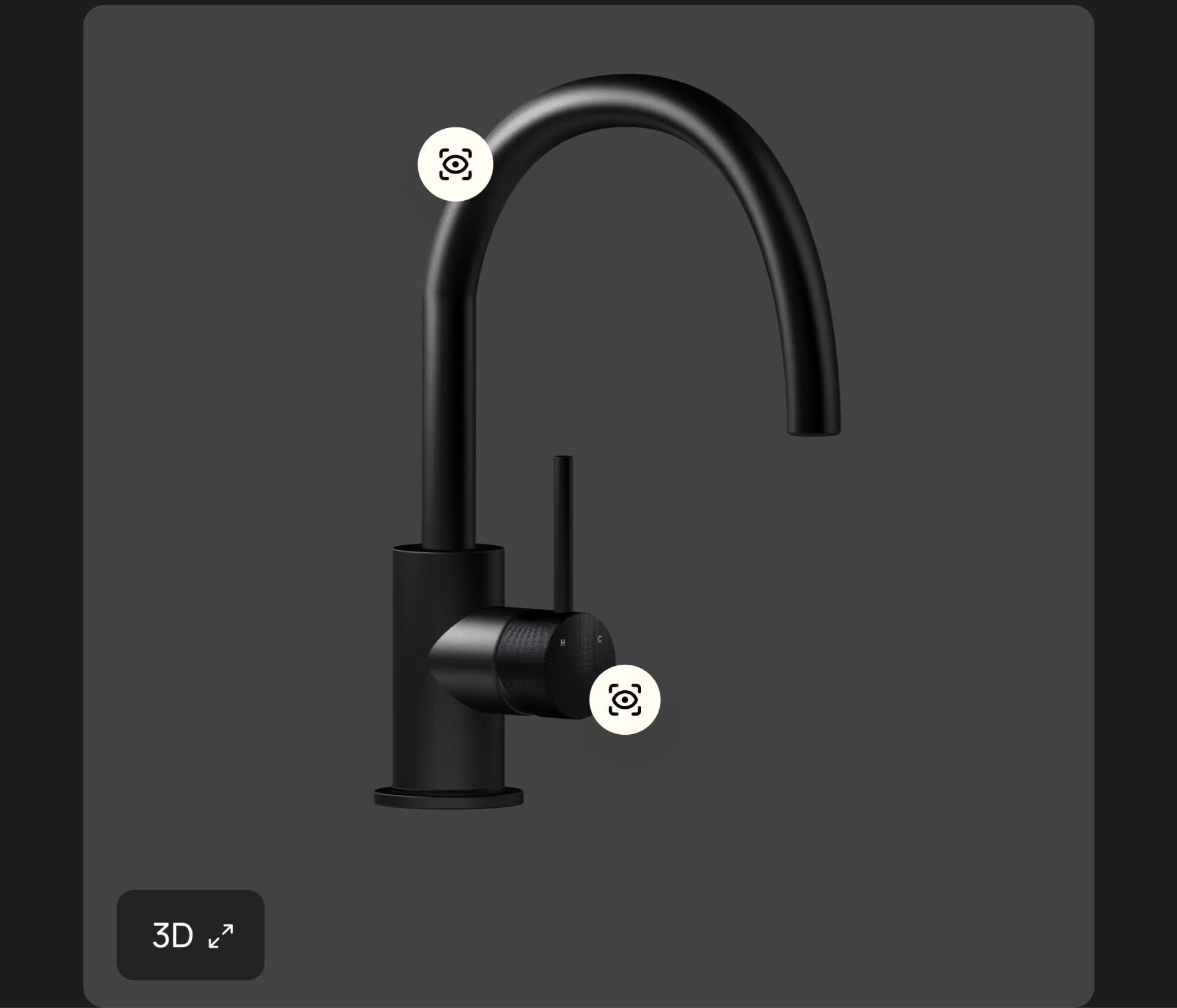
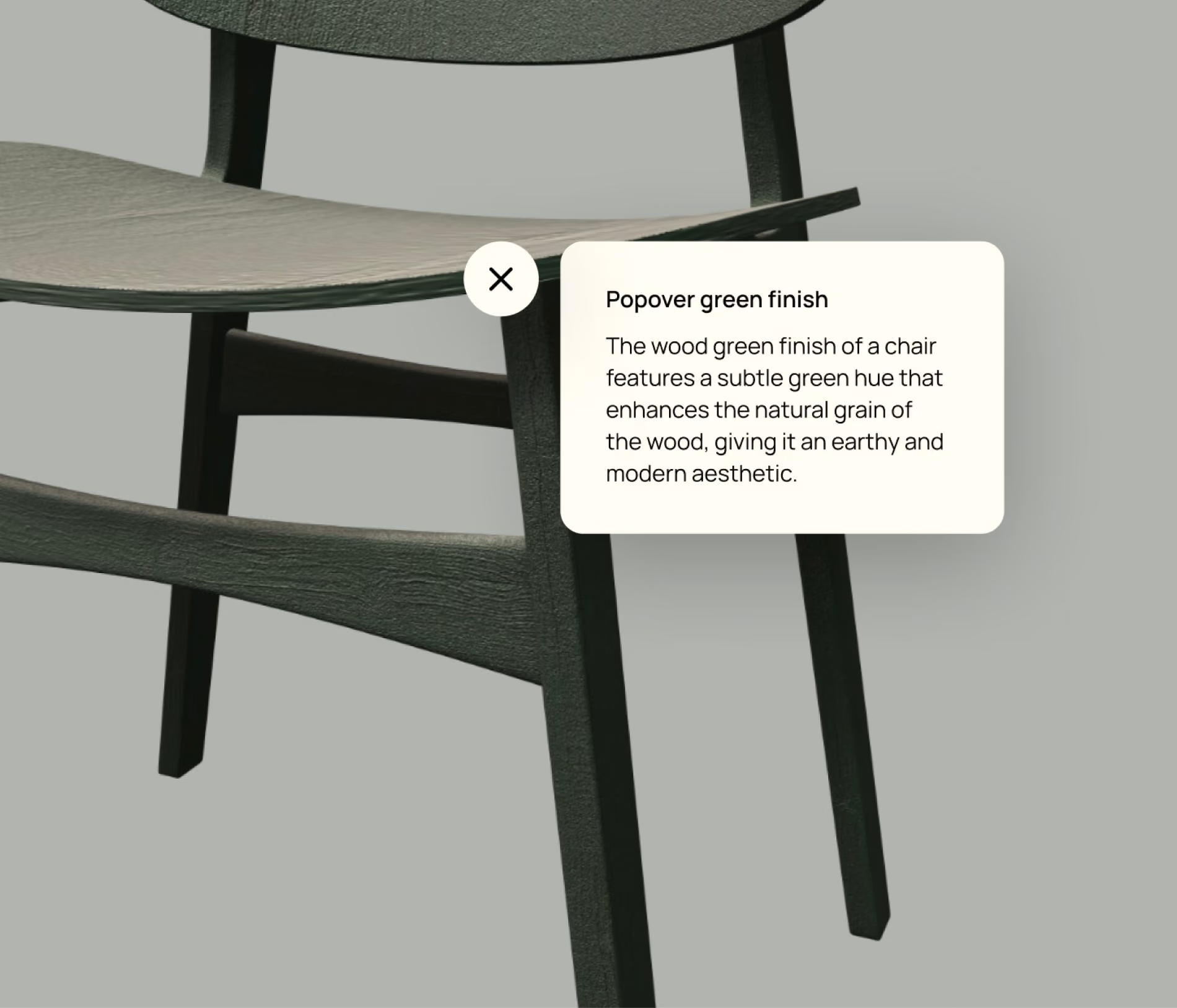
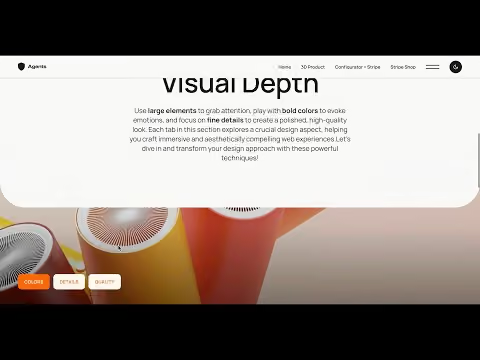
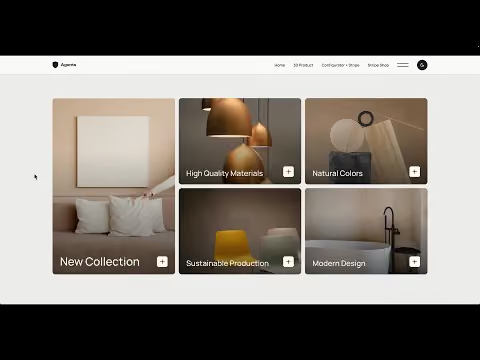
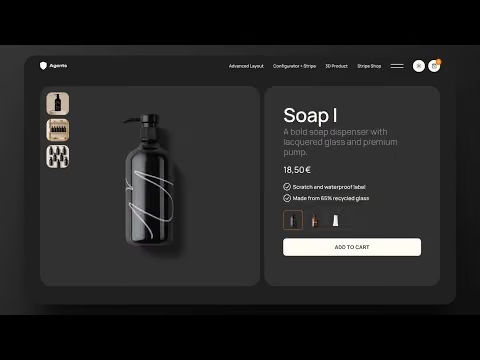
This course bridges that gap. You’ll work through real-world scenarios drawn from challenges I’ve solved in actual client projects. Together, we’ll build complex layouts, a CMS-powered configurator, modern animations, and e-commerce solutions with Stripe Checkout, all managed through the Webflow CMS. Everything is taught step by step, with no coding experience required.

Learn techniques and workflows you can apply directly to your next client project.
Take on the kind of client projects that many Webflow freelancers turn down, and justify higher project rates.
Build simple shop solutions with Stripe Checkout instead of Webflow E-Commerce.
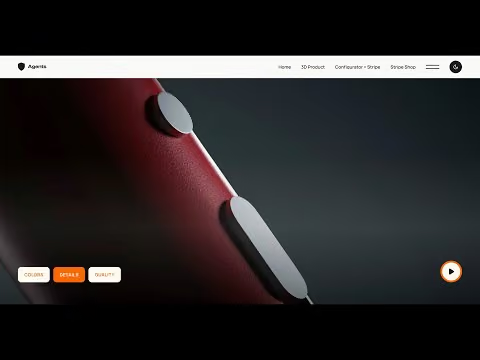
Stand out from standard websites with interactive product demos, configurators, and high-quality animations.
Know exactly which techniques to use and when, instead of piecing everything together from tutorials and forums.
Get the complete Webflow project from the course as a template, ready to use in your own client projects.
Use all Custom CSS snippets and Finsweet Attributes directly in your own projects.
Every technique is taught using a real-world layout. You watch, then you build it yourself.
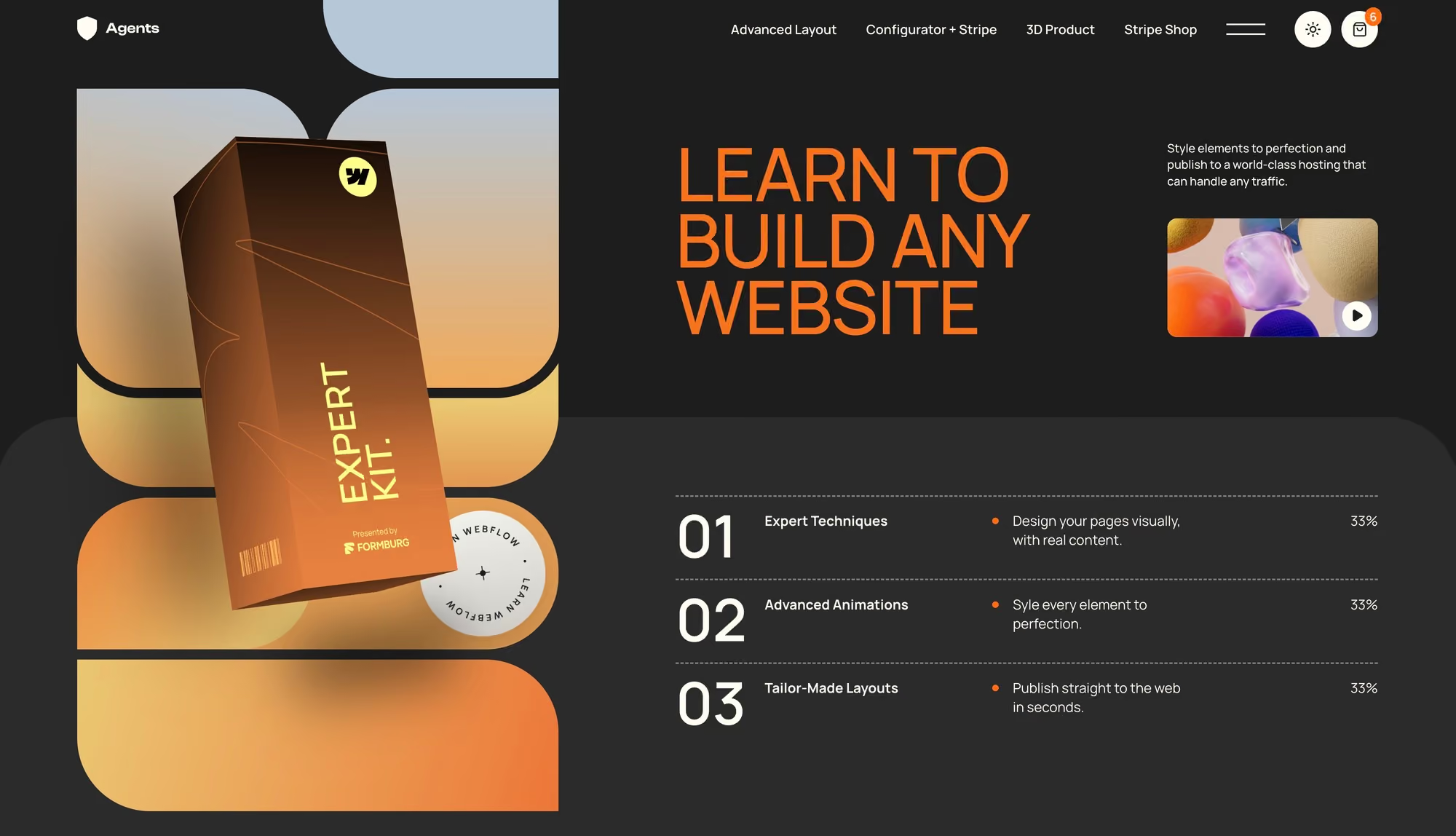
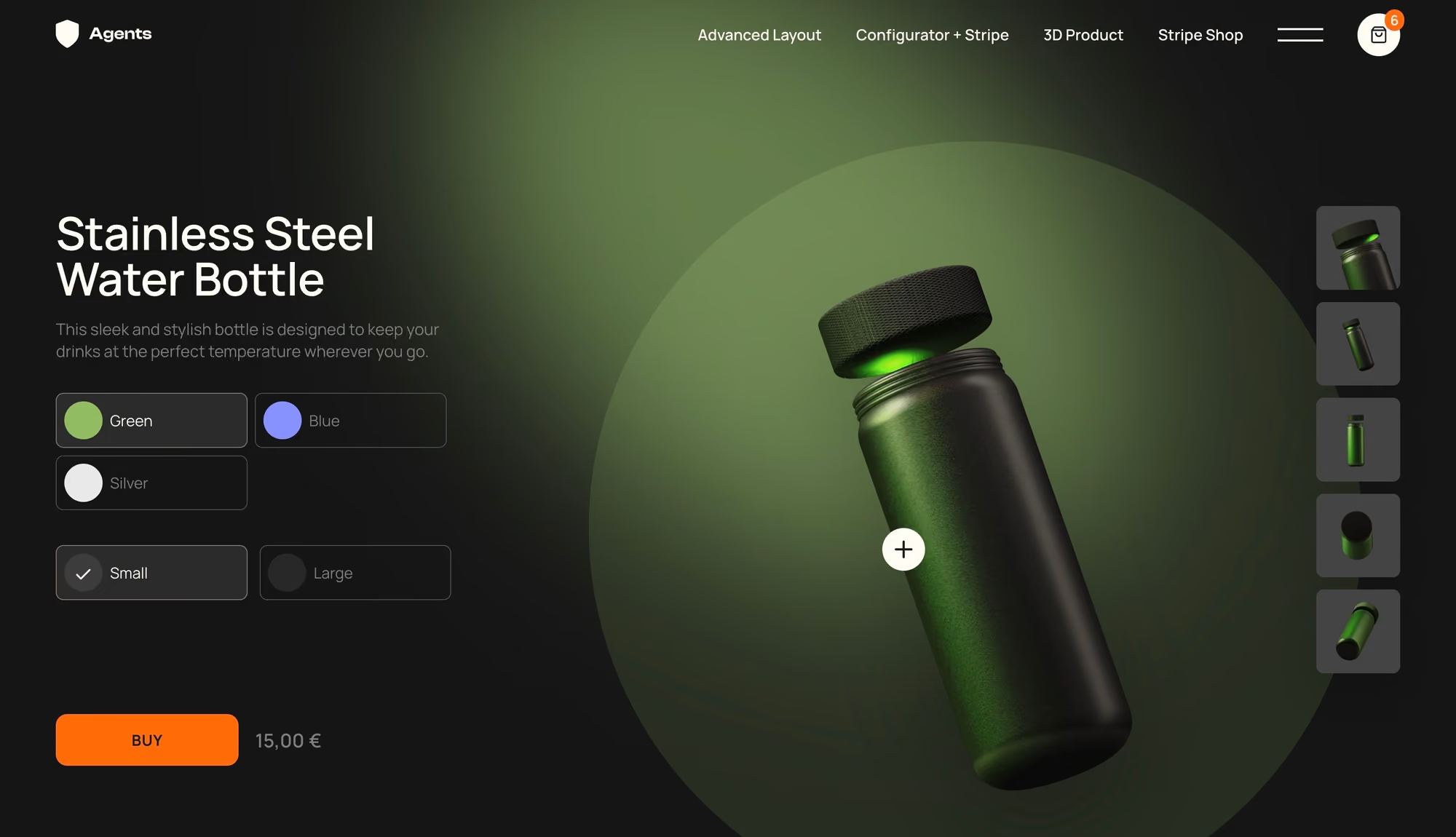
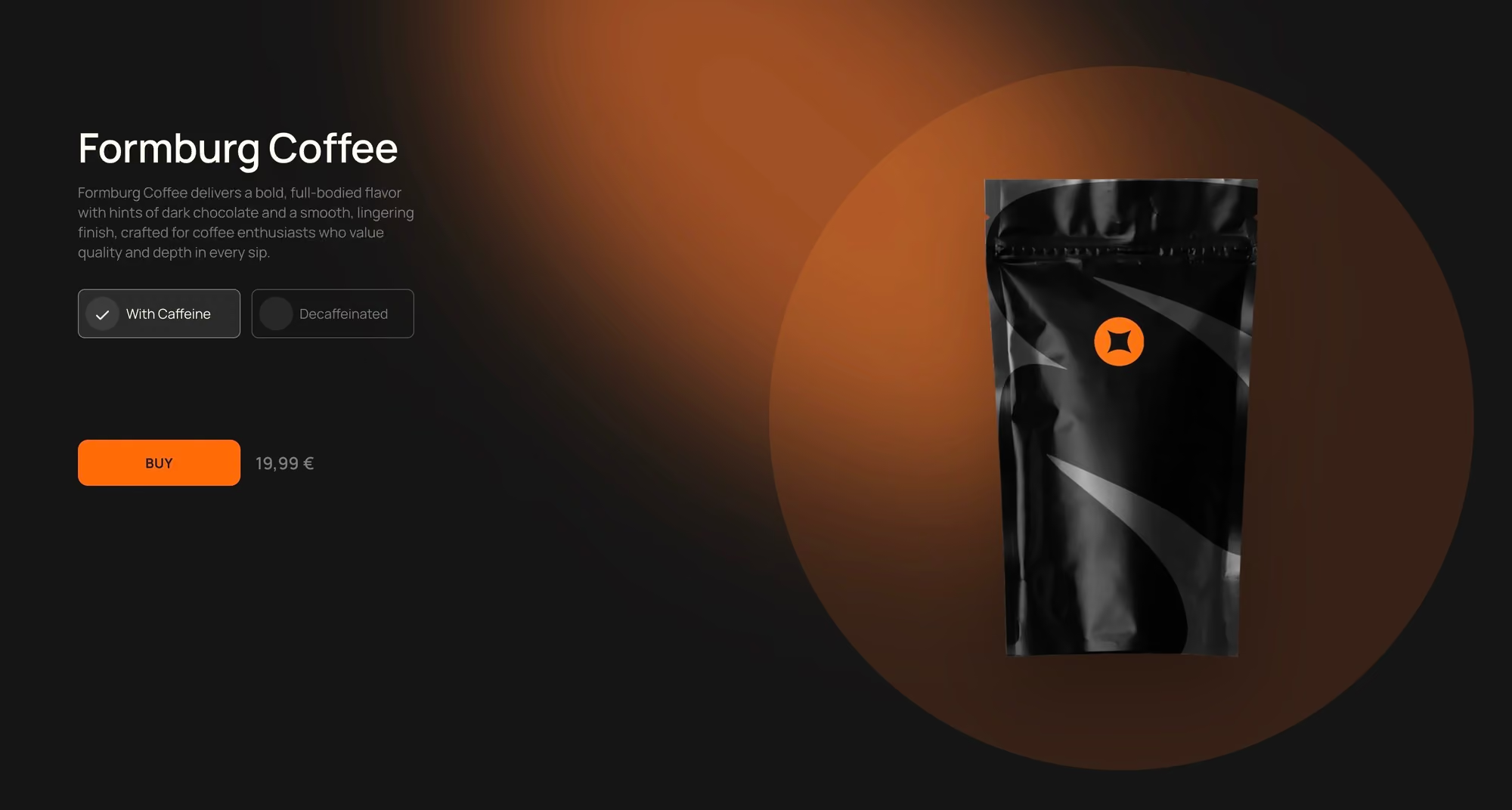
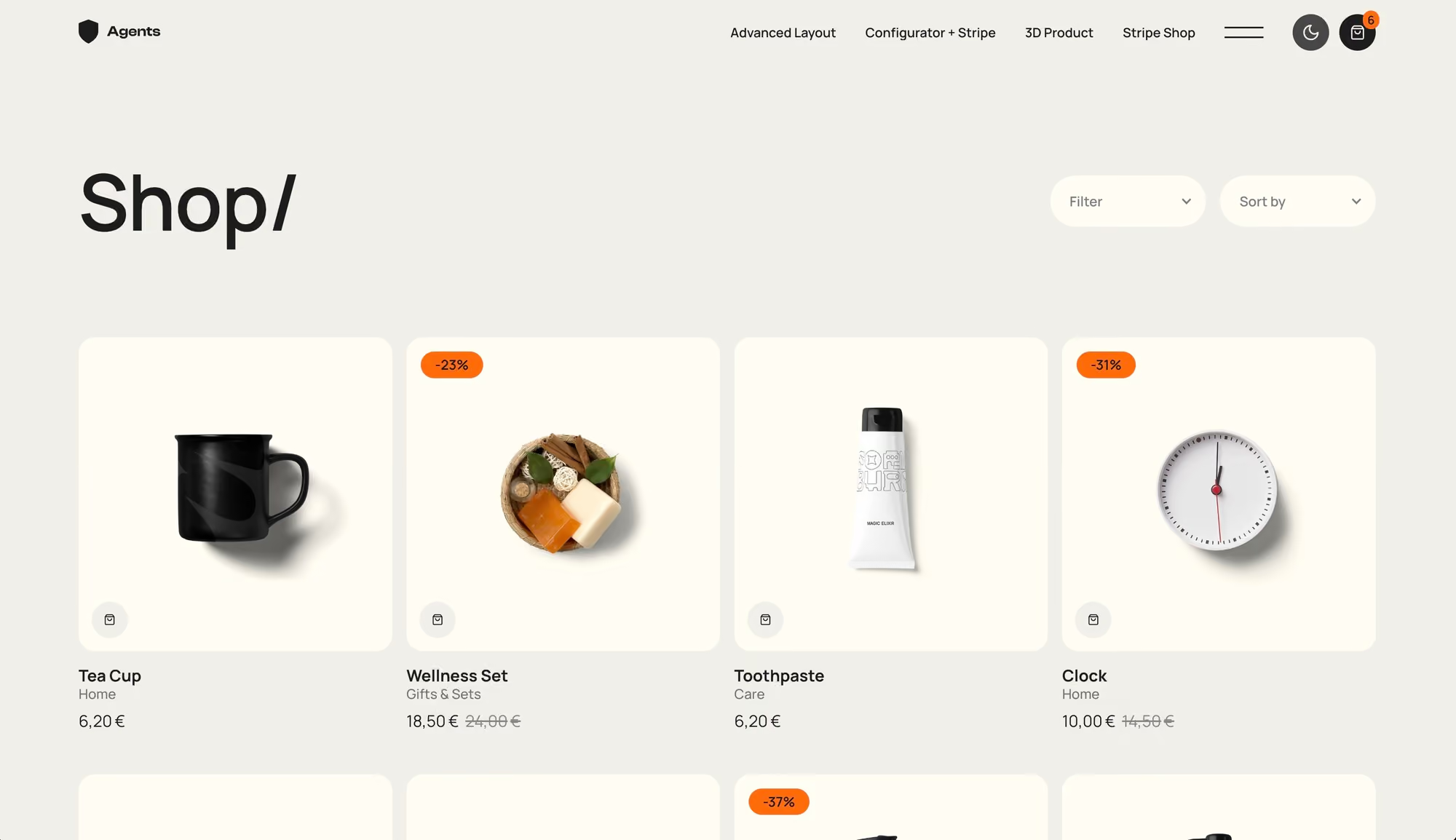
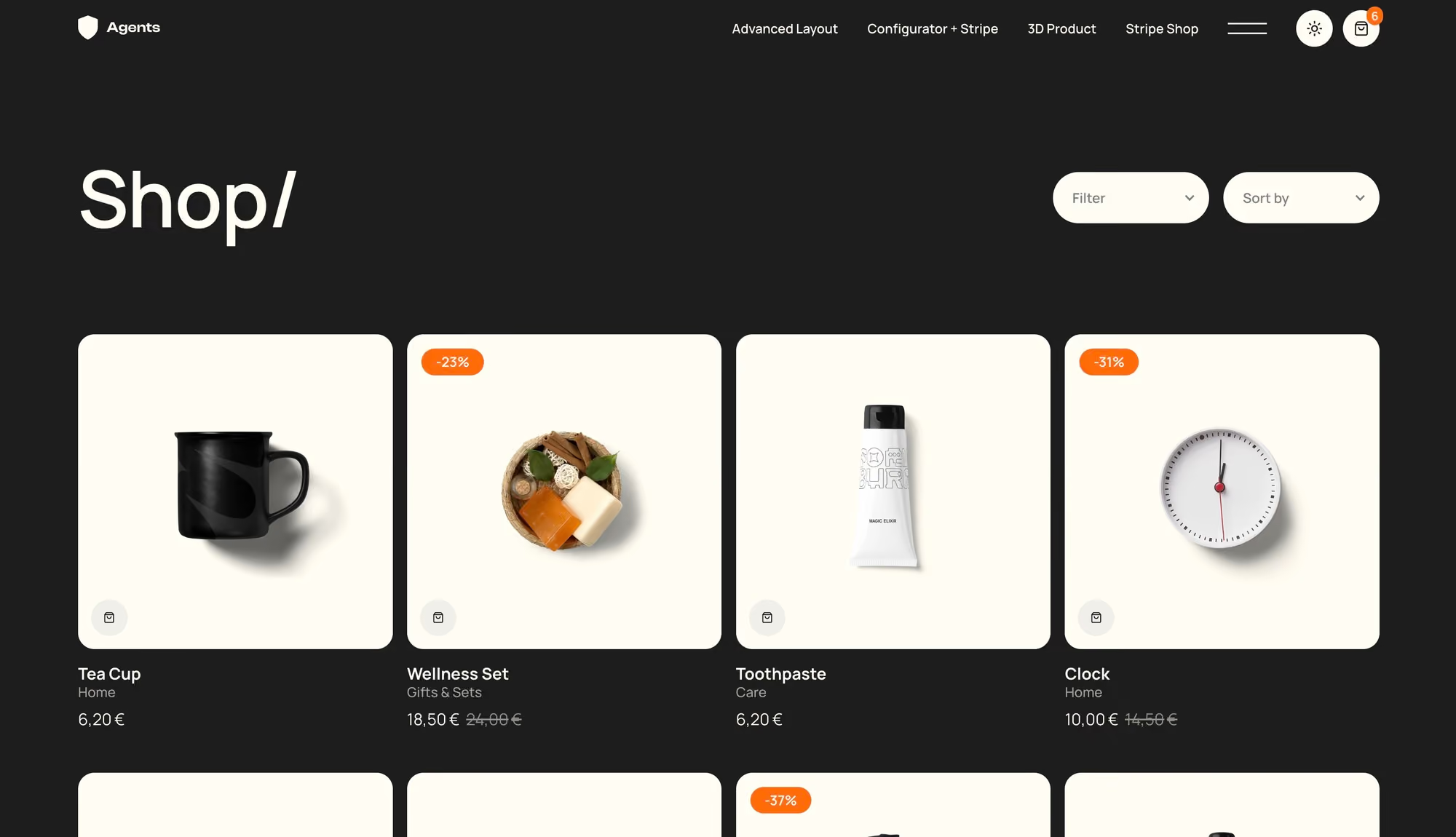
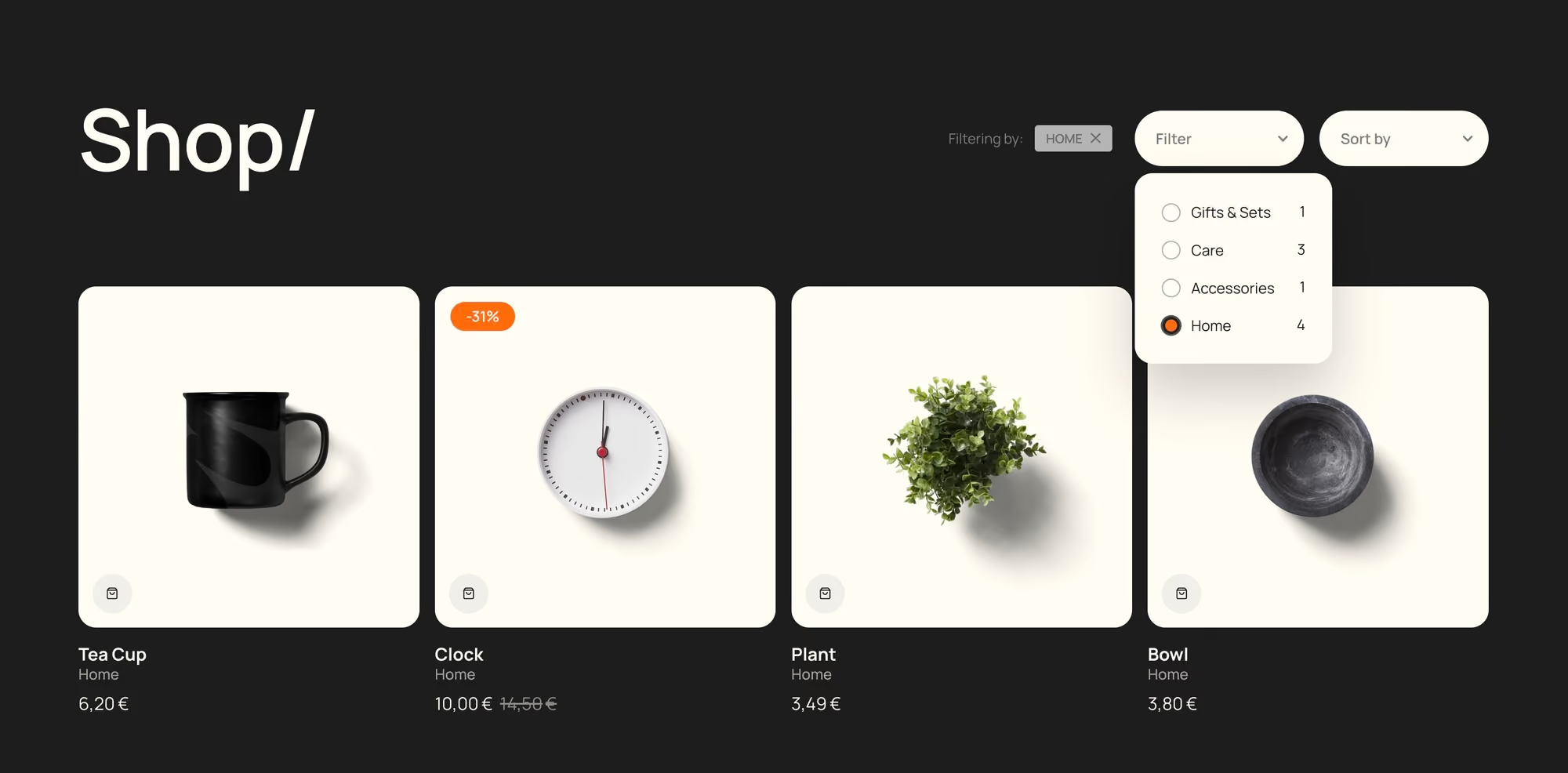
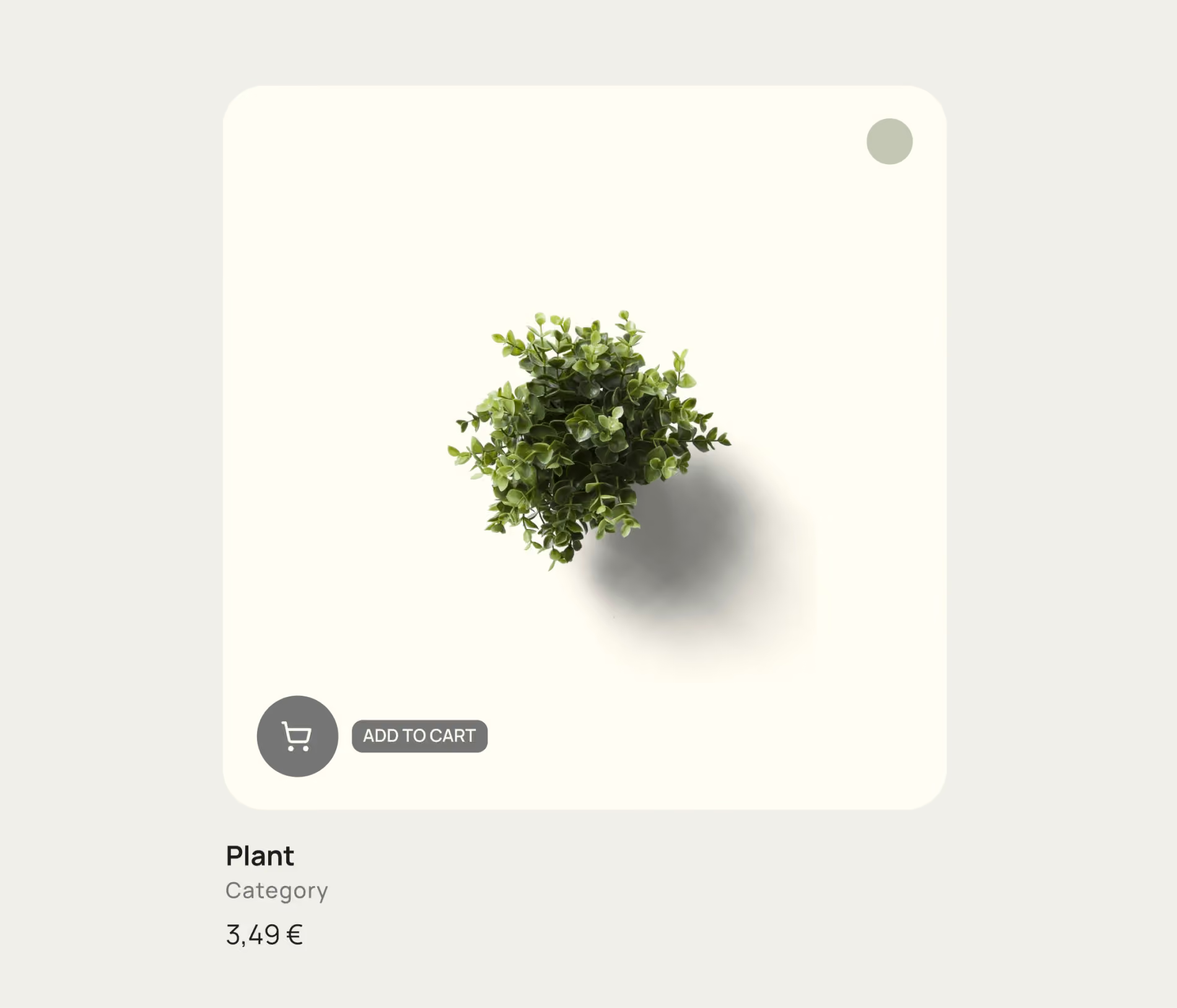
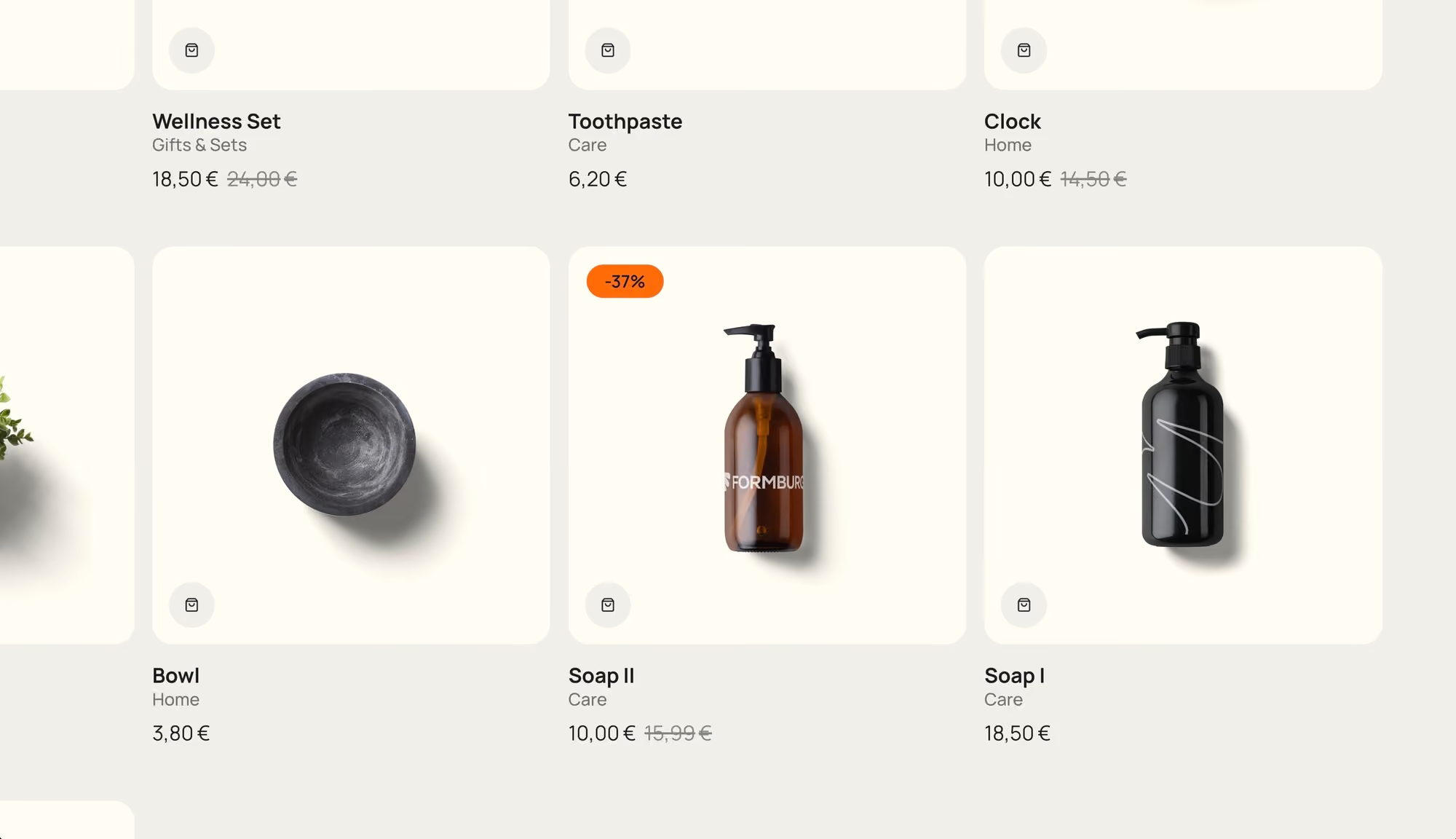
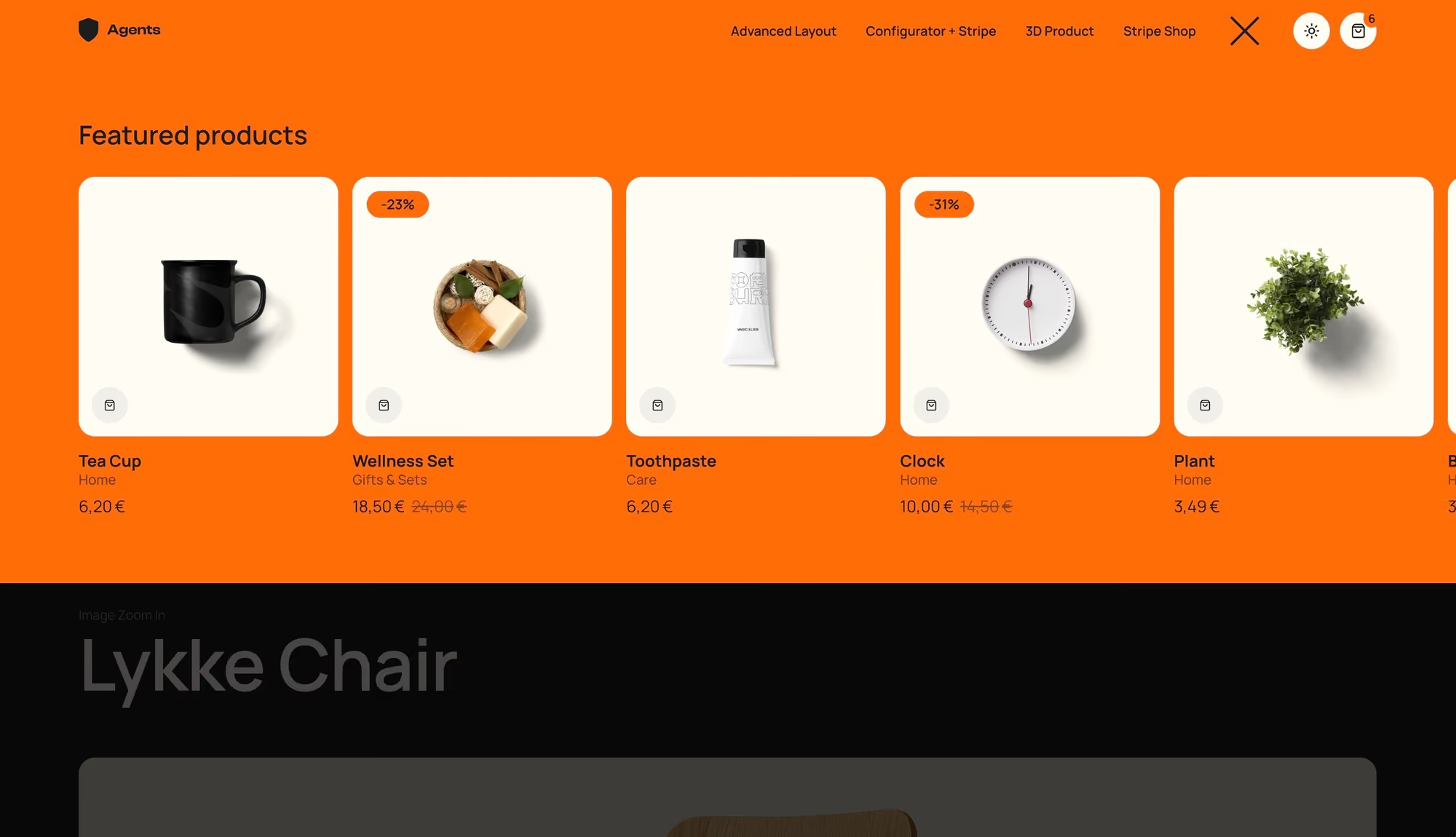
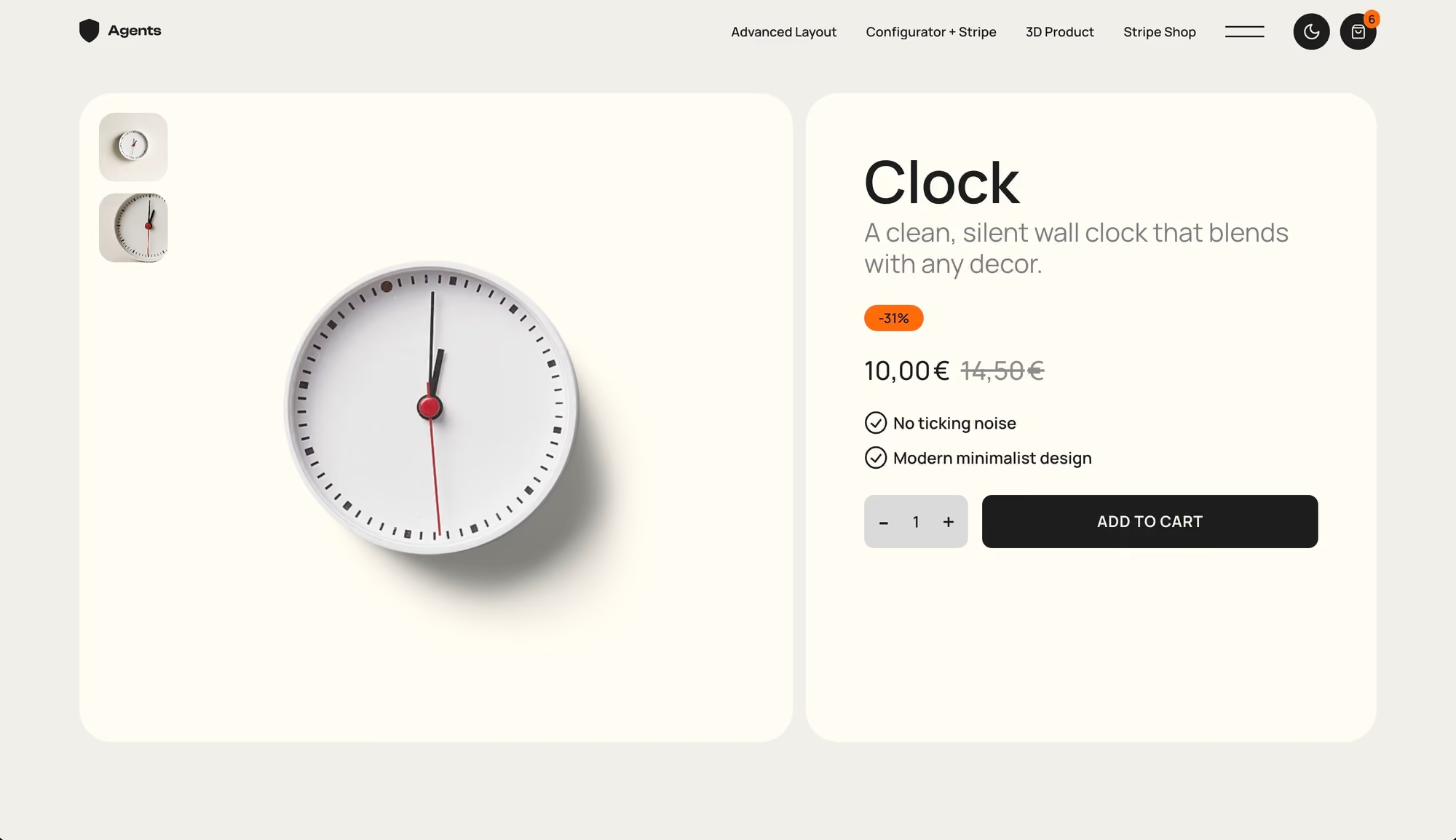

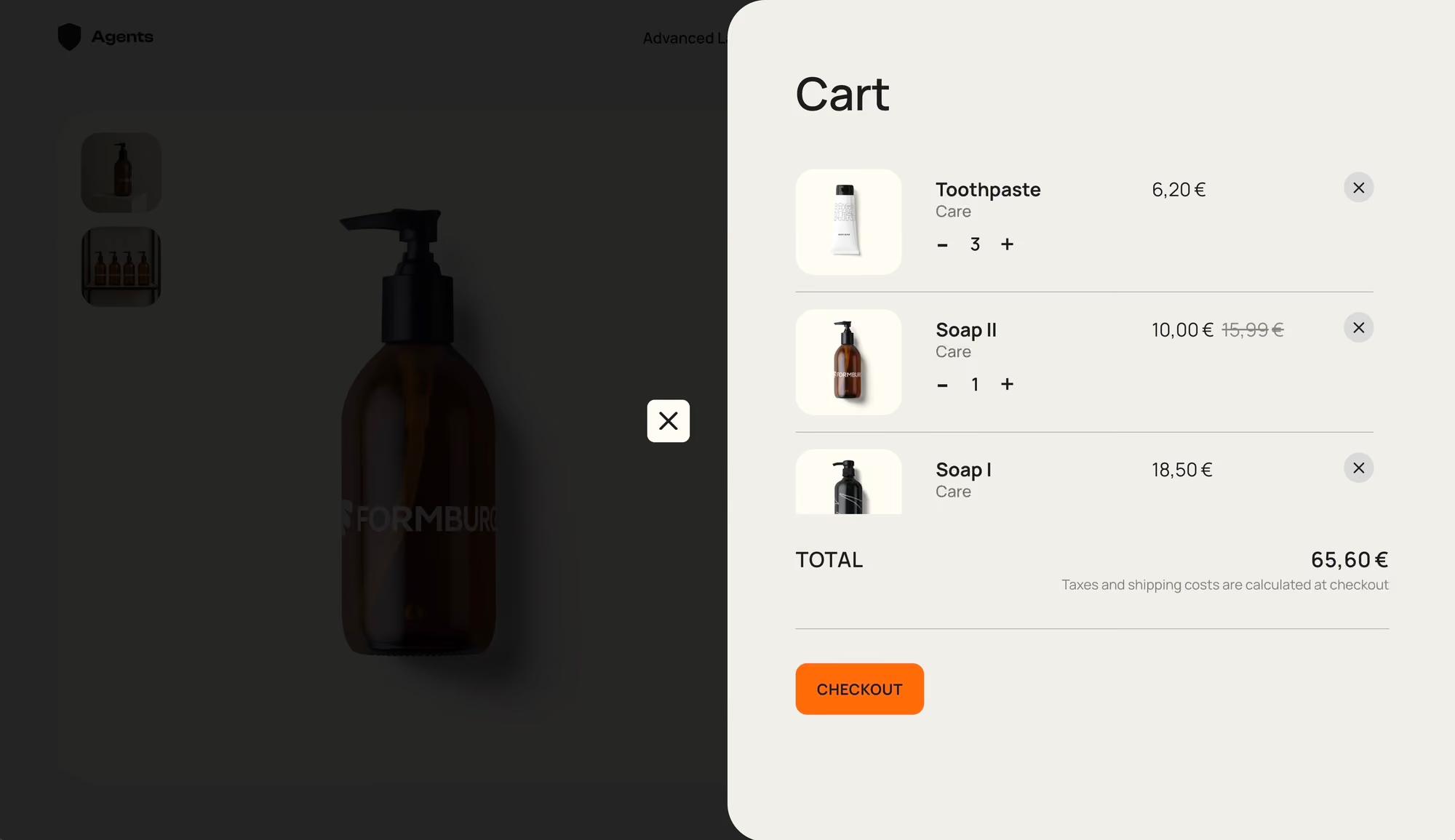

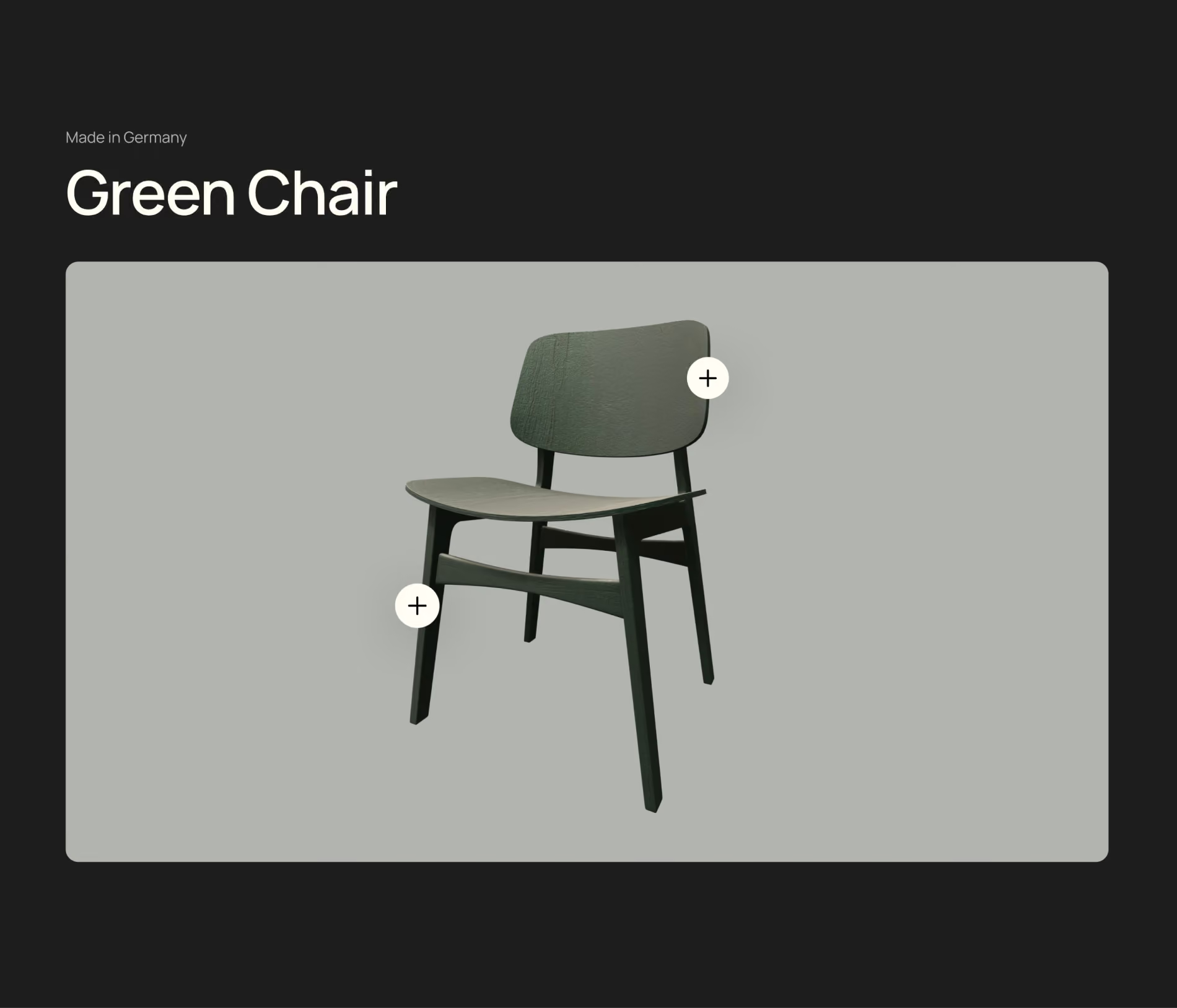
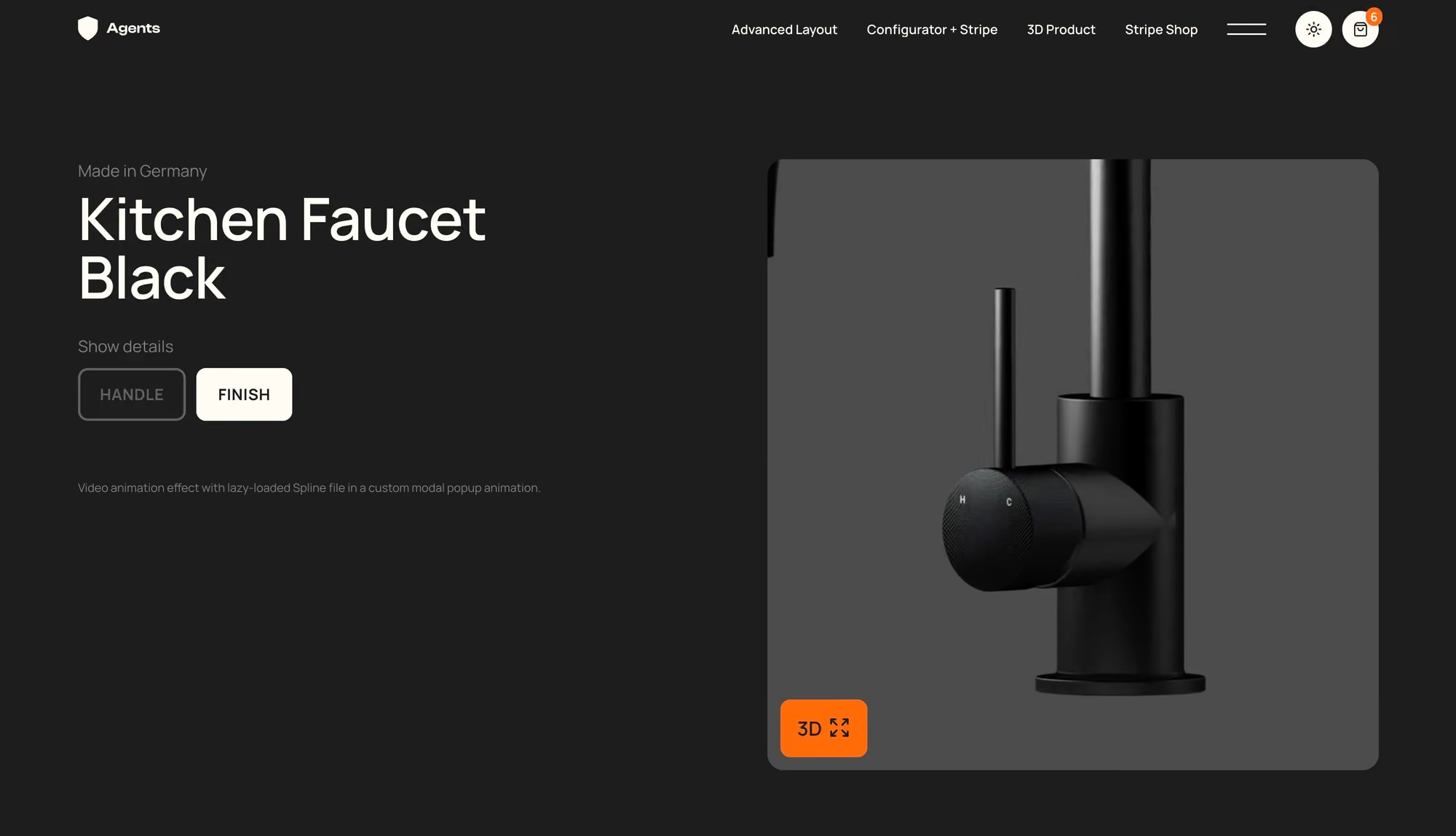
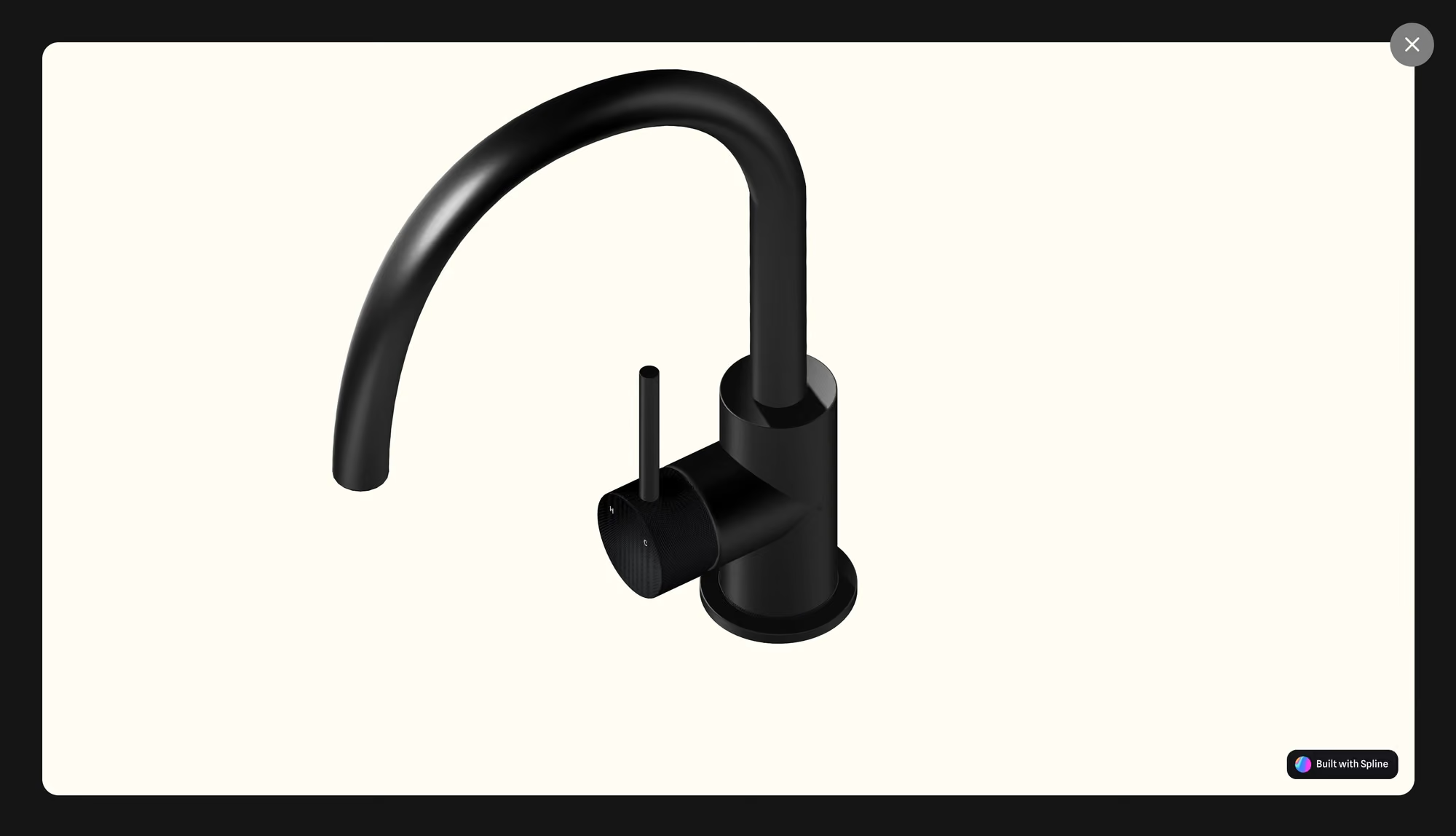
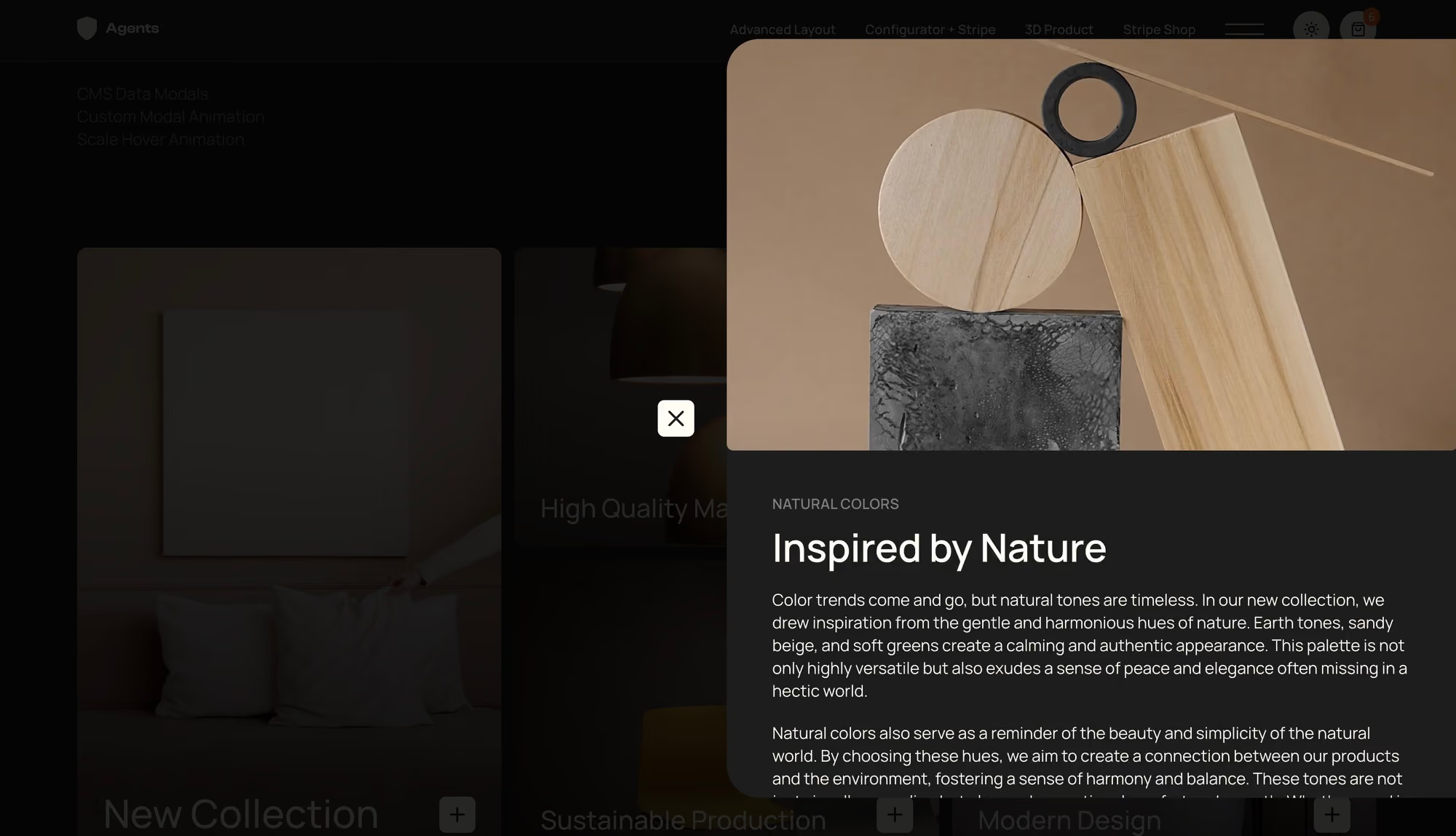

Over 70 lessons across six modules. Learn through real-world project scenarios based on solutions I’ve used in actual client projects.
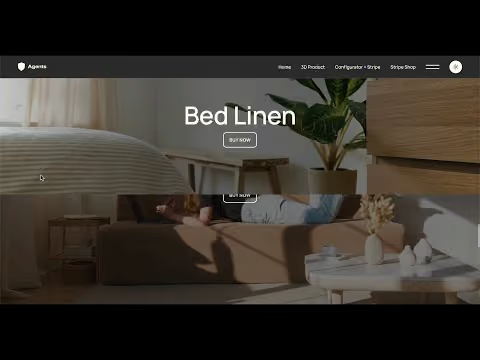

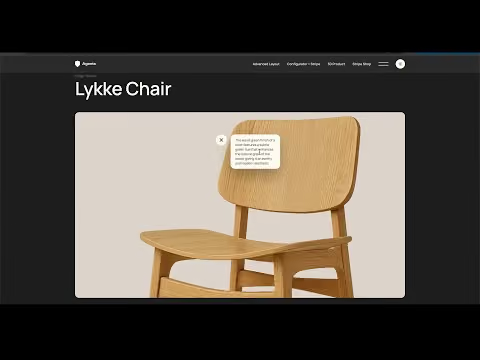
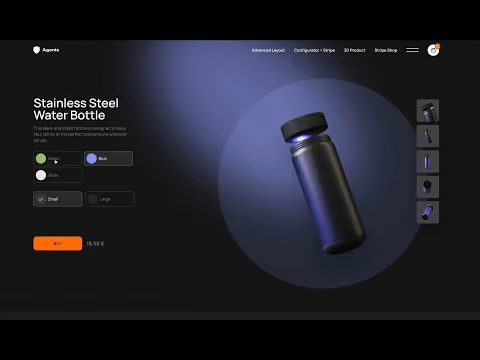
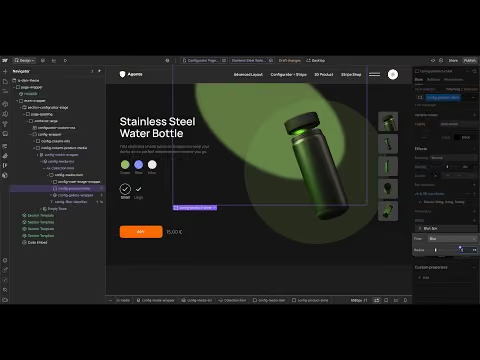








FORMBURG was founded by Jonas Arleth, a Webflow designer, developer, and educator with years of practical experience. All content is based on real projects, proven workflows, and insights from daily work with Webflow.
For years, Jonas has been sharing his knowledge through tutorials, resources, cloneables, and an established Webflow podcast.

The focus on real workflows and clean systems made a noticeable difference in our day-to-day agency work.

So far I've found the course great, even though I've only just completed the basics. I am already partially self-employed together with a partner. I'm looking forward to getting started and would like to say thank you for so much great content.
Jonas really doesn't leave any questions unanswered with his Webflow course. Although I have already worked with Webflow, I was able to learn a lot of new things and consolidate my knowledge. A particular highlight for me was the “Animations” chapter.















Yes. The Expert Course picks up exactly where the beginner course leaves off: complex layouts, creative problem-solving, advanced animations, and techniques for building unique, sophisticated projects. These topics go far beyond the fundamentals and require a solid understanding of Webflow.
Yes, there's a 14-day money-back guarantee, no questions asked.
The starter course teaches you Webflow from the ground up. The Expert Course is built for experienced users and solves complex challenges: advanced layouts, CMS configurators with payment functionality, a shop system with cart and Stripe checkout, and pro-level animations. It assumes you already move confidently in Webflow.
No. We work with custom CSS and some JavaScript for the shop and cart functions, but everything is explained step by step. You don't need prior coding knowledge, though a solid understanding of Webflow is required.
I've adapted the Client First style guide to my needs and derived a lot from it, though some things are named differently. The structure is very similar and compatible. If you understand the approach from my course, you'll easily be able to build a project entirely following Client First.
Yes. With your purchase you get lifetime access, including all existing content as well as all future updates and new modules. One-time payment, all-inclusive, no additional costs.
I recommend two lessons per day to stay on track and see quick results. Even with client projects or a full-time job, half an hour a day is manageable. Most videos are 8 to 15 minutes long, which adds up to 2 to 4 hours per week. Since you have lifetime access, you can also learn at your own pace.
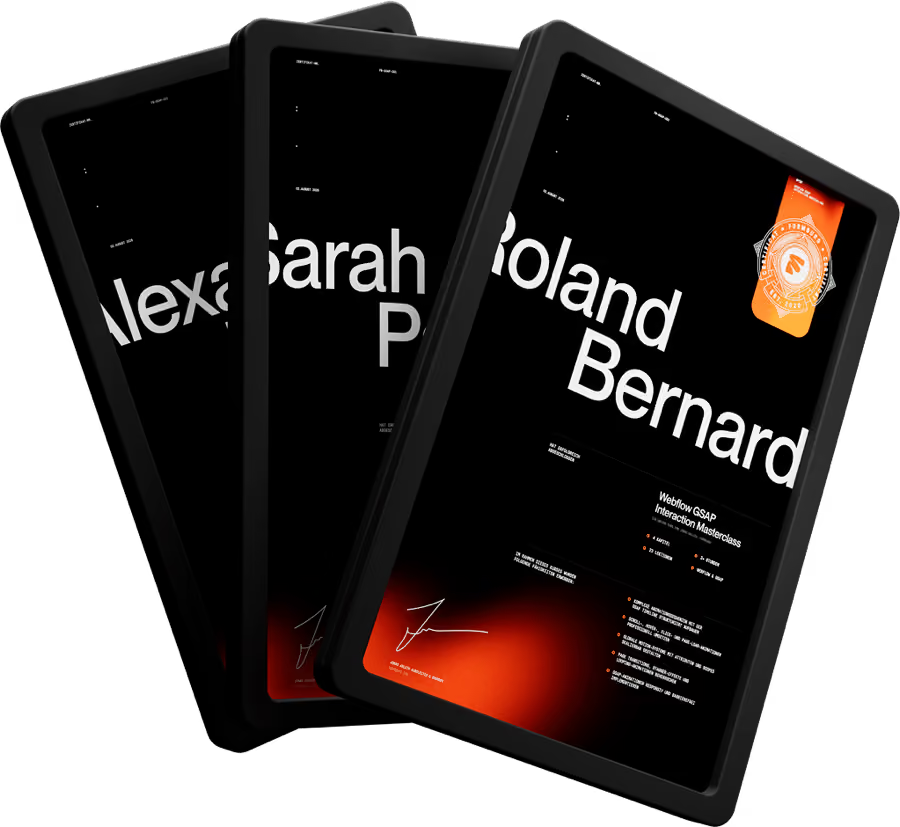
Yes. Once you've completed 80% of the course, you'll receive a personalized certificate as a PDF. Just reach out with the name you'd like on it and your order number, and I'll verify your progress.
Lifetime access. You even get all future updates and new learning modules I add over time for free.
Yes. There's a comment function under each lesson, which I answer once a week. If you hit a bigger issue and get completely stuck, you can also reach me directly via chat.
Join web designers, freelancers, and agencies who are taking their Webflow skills to the next level with FORMBURG.
